Handheld play
Best Mina the Hollower Steam Deck Settings
Best Mina the Hollower Steam Deck settings for frame rate, battery life, controller setup, readability, and handheld play.
Quick Answer
Mina the Hollower is a strong Steam Deck fit. RPG Site reports a Steam Deck Verified rating, while SteamDeckHQ reports stable high-refresh play with very low power draw. Start with the default profile, cap lower for battery if needed, and check the active controller if an external pad behaves oddly.
At a glance
Best for
Steam Deck settings, battery life, frame rate, controller setup, and handheld comfort.
Start with
Default handheld play
Next step
60 fps cap
Detailed Breakdown
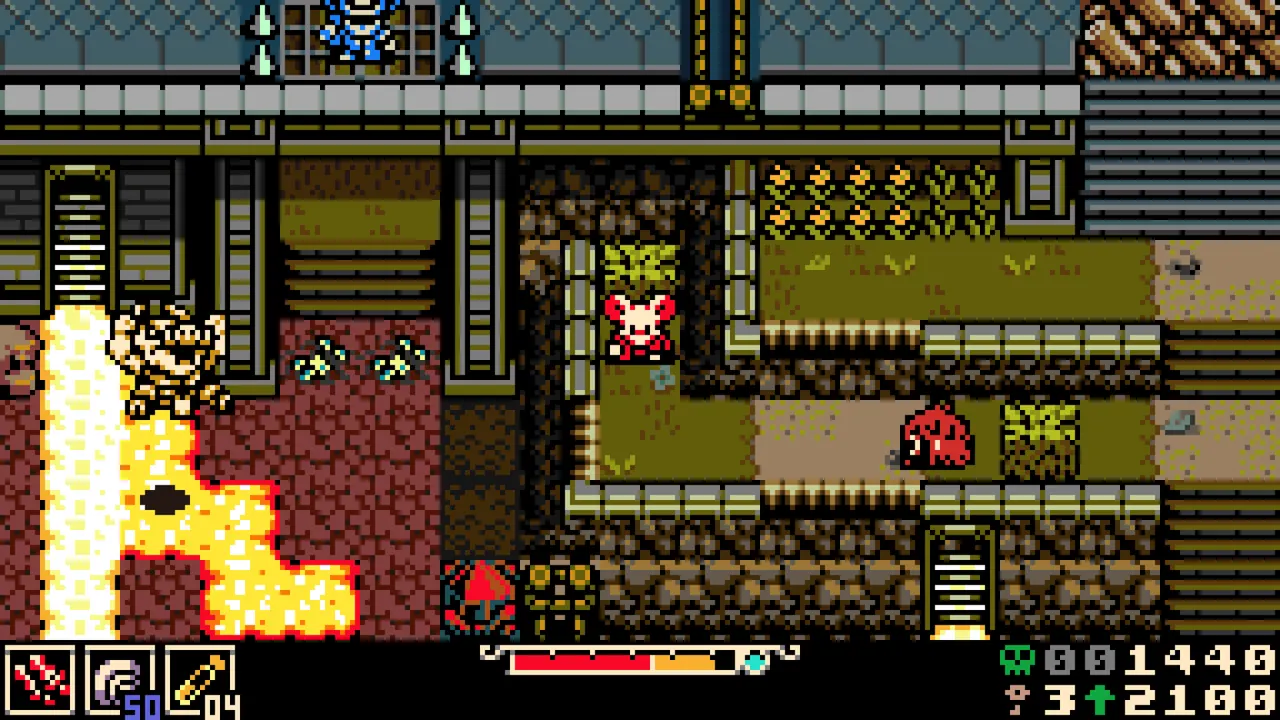
Mina is well suited to handheld play because its pixel art, short room structure, and route-based exploration fit portable sessions. Steam lists SteamOS and Linux support, and RPG Site reports that Valve marked the game Steam Deck Verified ahead of launch. That matters because Mina depends on precise movement; input friction would be more damaging here than in a slower RPG.
SteamDeckHQ's review reports stable 90 fps behavior and roughly 7W battery draw, suggesting that the game can run efficiently on Valve's handheld. That does not mean every player needs the highest refresh option. A lower cap can still feel responsive while extending battery life, especially during exploration or route cleanup.
The one practical caveat is controller handling. RPG Site notes that the Deck rating included a warning about external Bluetooth or USB controllers sometimes requiring manual active-controller switching through the Quick Access Menu. That is not a dealbreaker, but it is the kind of small setup issue that can look like broken input if the player does not know where to check.
Use case
Default handheld play
Frame rate target
Use the game's default or Deck profile first.
Power approach
No manual tuning unless battery or heat becomes a concern.
Why it fits
Best starting point for most players.
Use case
Battery-focused exploration
Frame rate target
60 fps cap
Power approach
Lower TDP after confirming stable input and audio.
Why it fits
Keeps controls responsive while reducing drain.
Use case
OLED smoothness
Frame rate target
90 fps if stable
Power approach
Leave headroom rather than forcing the lowest wattage.
Why it fits
Makes scrolling and dodge timing feel cleaner.
Use case
Docked with controller
Frame rate target
Match display refresh
Power approach
Check active controller in Quick Access Menu if input fails.
Why it fits
Prevents controller confusion during couch play.
Why It Matters For Players
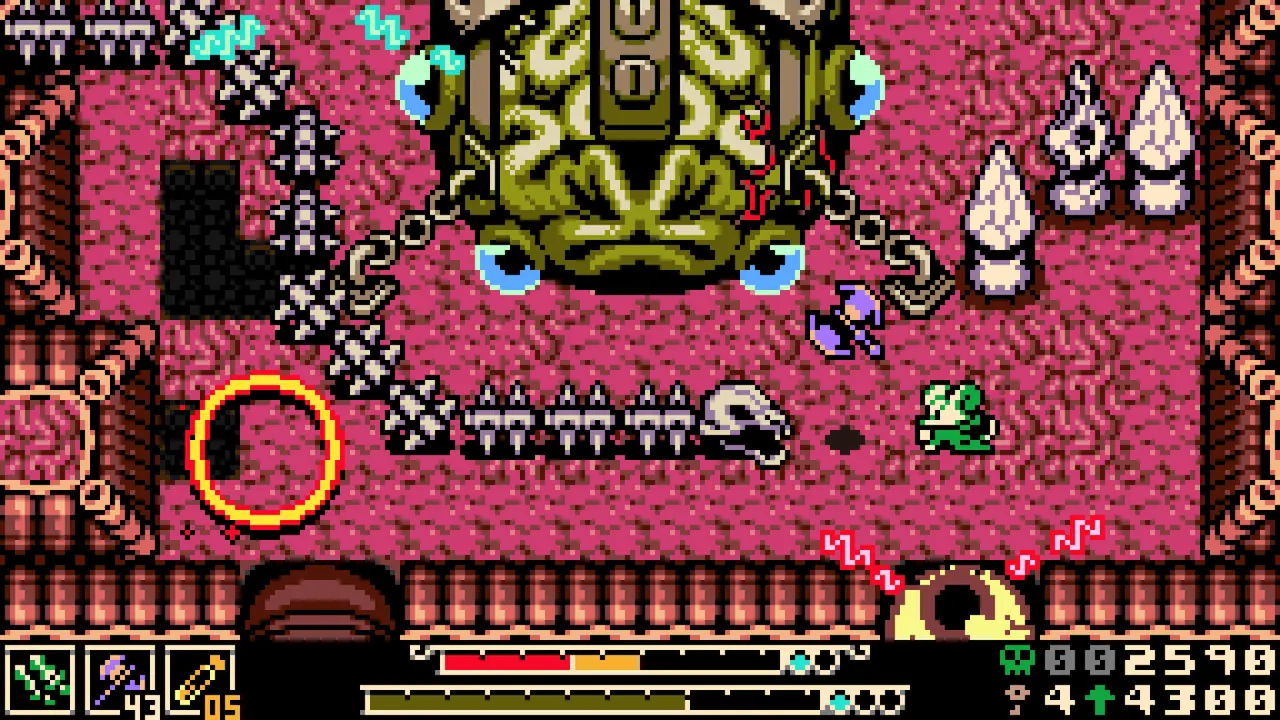
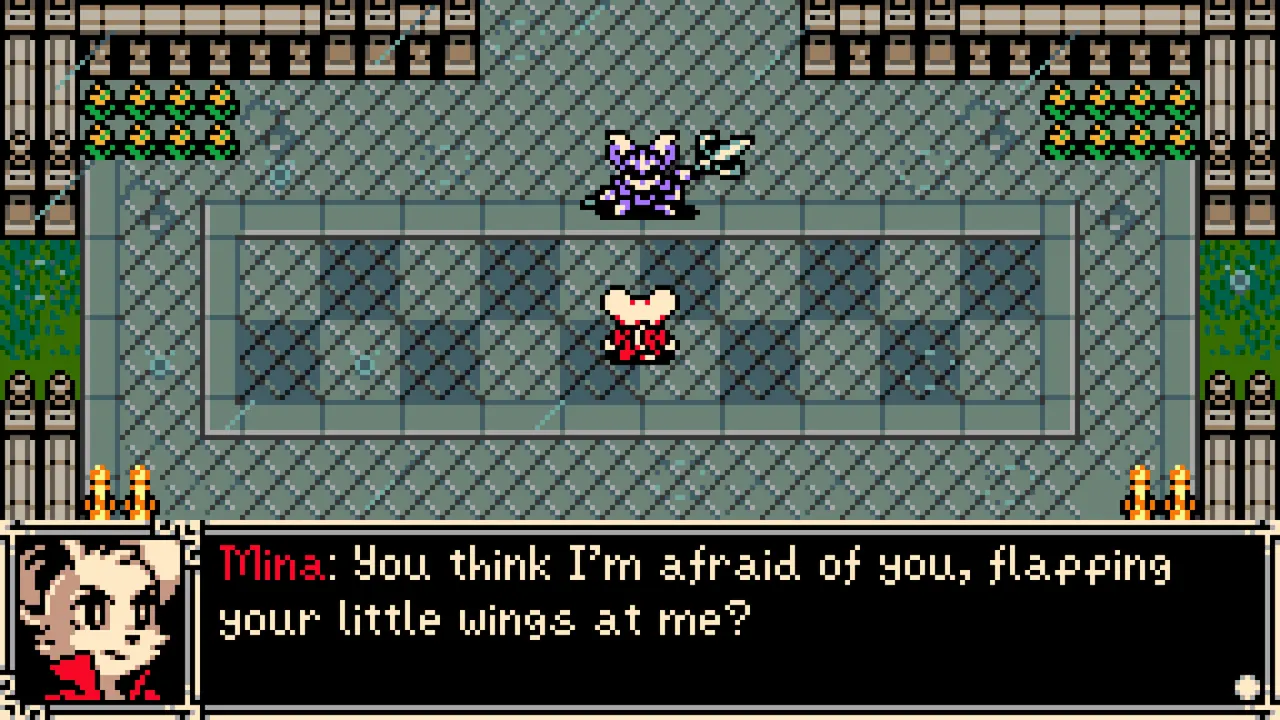
Steam Deck performance is not just about average frame rate. Mina's combat asks for short, repeated timing decisions: burrow before impact, stop attacking before recovery becomes unsafe, and read hazards while moving between rooms. A stable frame cap is better than chasing a higher number that introduces uneven pacing.
Battery matters because Mina encourages one-more-room play. A route can easily turn from a quick session into a long exploration loop with a boss at the end. Efficient settings reduce the chance of stopping mid-route, which is especially useful when a player is trying to remember landmarks without a detailed map.
- Start on default settings before lowering power limits.
- Use a 60 fps cap when battery life matters more than maximum smoothness.
- Use high refresh only if frame pacing remains stable during combat and scrolling.
- Check text readability in menus, inventory, and dialogue before committing to handheld-only play.
- Use the Quick Access Menu if an external controller is connected but not controlling Mina.
Important Details Players May Miss
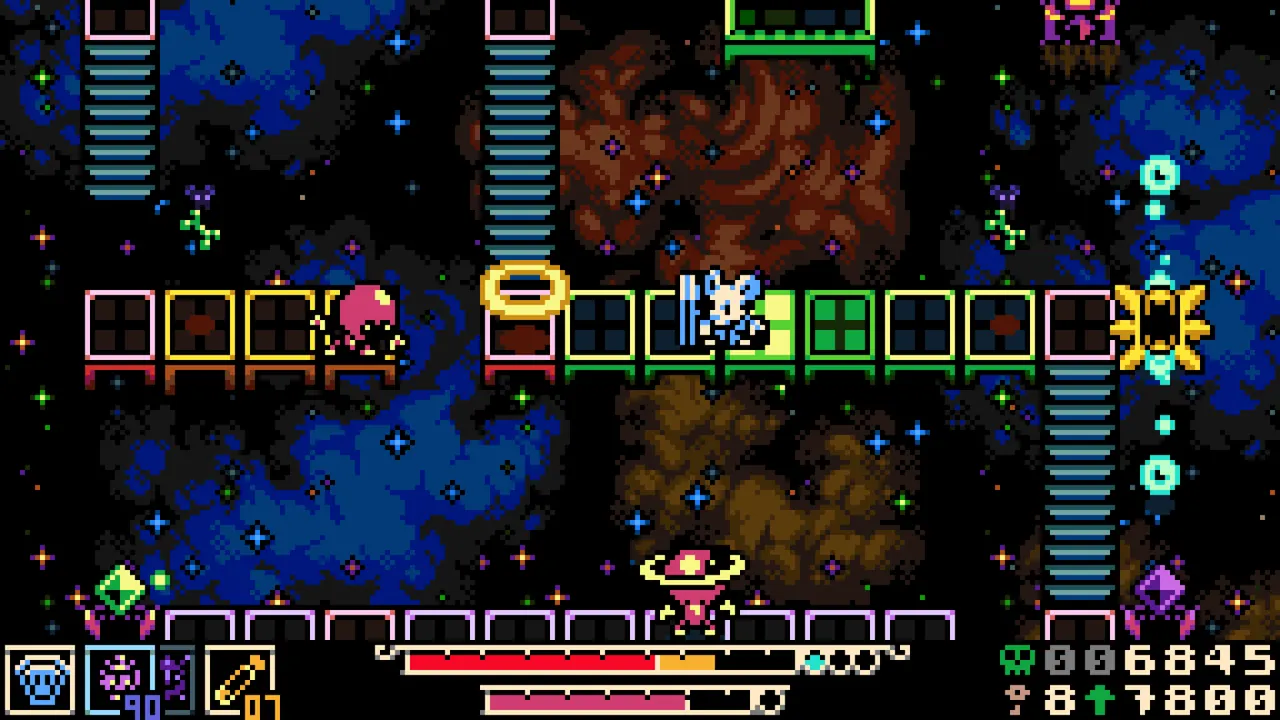
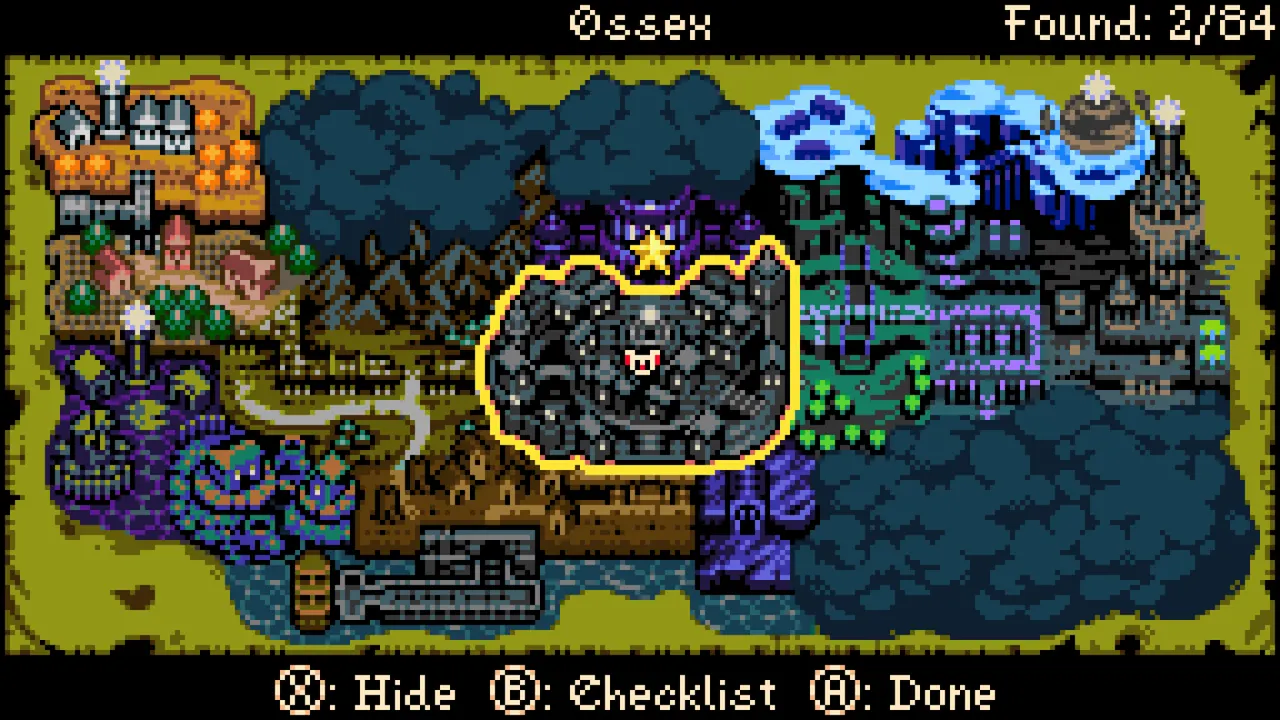
Pixel art games can look simple and still feel bad when scaling or frame pacing is off. Mina's clean presentation makes sharpness important, especially for hazards, small enemies, and UI prompts. If the image looks soft on an external display, scaling and resolution should be checked before assuming the game itself is unclear.
Deck owners should also separate platform quality from guide convenience. Steam Deck may be the most comfortable way to play, while desktop PC can be easier for note-taking, route mapping, and screenshot organization. The best platform depends on whether the current session is for relaxed play, boss practice, or route documentation.
Current Unknowns And Caveats
Battery life varies with Deck model, brightness, refresh setting, external controllers, and background downloads. SteamDeckHQ's reported efficiency is a strong signal, but each handheld setup can differ.
Post-launch patches may also adjust default profiles, controller behavior, or compatibility notes. The safest advice is to begin with the Deck's normal profile, change one setting at a time, and keep the frame cap stable before reducing power.
Editorial Takeaway
Mina the Hollower appears to be exactly the kind of dense action-adventure that benefits from Steam Deck: sharp rooms, quick sessions, low power demands, and enough responsiveness for serious boss attempts. The best settings are not the most complicated ones; they are the ones that keep timing steady and battery anxiety out of the route.